The new pro theme by Themeco has many amazing features. One of which is the colours templates. This new feature allows you to set your branding colours in the Pro editor, and re-use them in header, footer and V2 elements.
But what about outside of headers and footers? Well, at the time of this post, we still don’t have access to them in the page builder (Cornerstone) elements. So I went ahead and wrote a script that will help us out. (Note: V2 elements now have access to the colour palettes set in Theme Options, but these CSS variables can be a lifesaver in your custom CSS)
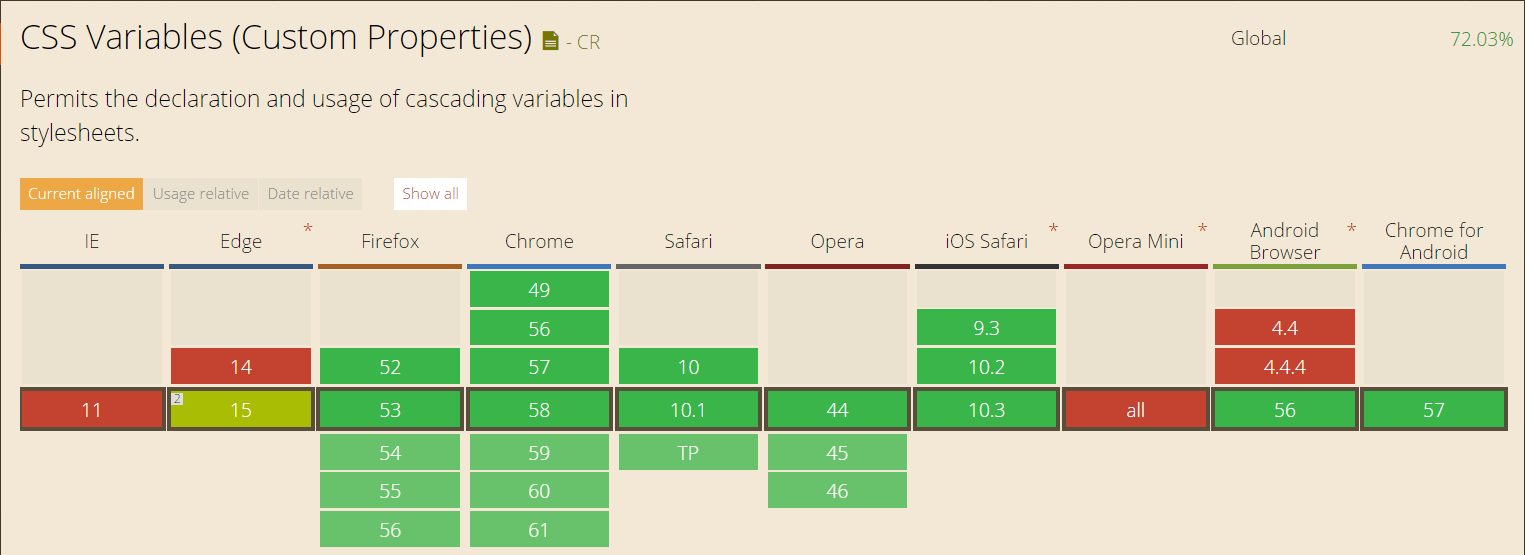
The basis of this snippet is simple. It will take your colour templates and convert them into two distinct items: a CSS class for the colour, and a CSS variable that you can use to apply the colour to multiple properties and classes. CSS Variables are pretty amazing, but there is one caveat. Here is there current browser support:
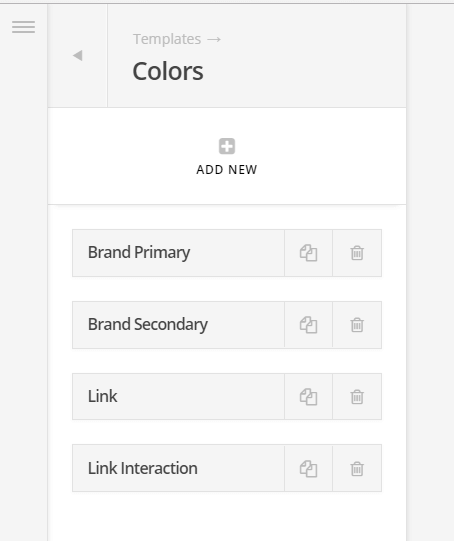
Your first step, of course, is to create your colour templates.
Then, add this magical PHP to your child theme’s functions.php file:
What you will see is that in the head of your document, there is now an inline stylesheet that looks like this:
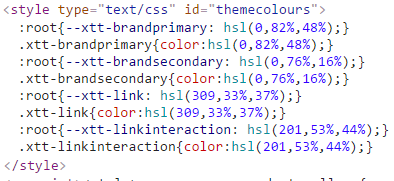
How do you use these special colour template classes and variables? Anywhere you would with normal CSS, whether that’s in the customizer or even inside Cornerstone element settings!
.my-special-class {
  background-color: #000; // this is a fallback for IE 11!
  background-color: var(--xtt-brandprimary);
}
